Stationeers Guide
Handy Console Commands
A quick-reference command set for testing builds, recording clips, and checking systems without waiting through full weather and day cycles.

Video Short
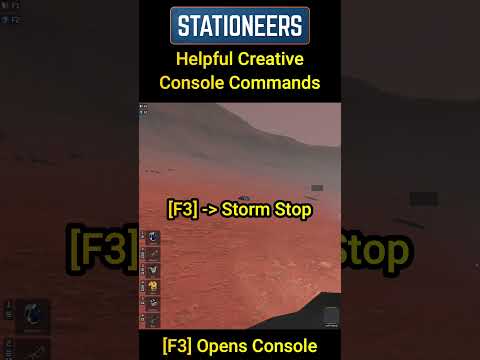 Watch short on YouTube
If you prefer video, this is the fastest walkthrough. If you prefer reading, use the command sheet on the right.
Core Commands
-
[F3]Opens the in-game console.
-
Storm StopStops the current storm in progress.
-
Orbit Timescale 0Pauses the day/night cycle so light and solar output stay stable.
-
Orbit Set 0.5Sets orbital position near midday for quick daytime testing.
Quick Test Flow
- Press F3 to open console.
- Run
Storm Stopif weather is active. - Run
Orbit Timescale 0to freeze time. - Run
Orbit Set 0.5to test under midday conditions.
Use this flow to validate atmospherics, power networks, and layout changes quickly before long-play sessions.
Notes
Best used in solo worlds or test saves. If you are on a server, check server rules/admin permissions before using console commands.